Operations
Revenue is only half the day.
Rent, electricity, the gas cylinders, the freezer repair. Each one recorded against a category you chose, with the vendor named and the bill attached. Once approved it lands in the P&L — so the day's profit is a number, not revenue with a guess taken off.
Your own categories·bill attached·record then approve·feeds P&L and Day Close
The month's spend, line by line.
One register: what was spent, on what, to whom, how it was paid, whether the bill is attached and whether anyone has approved it yet.
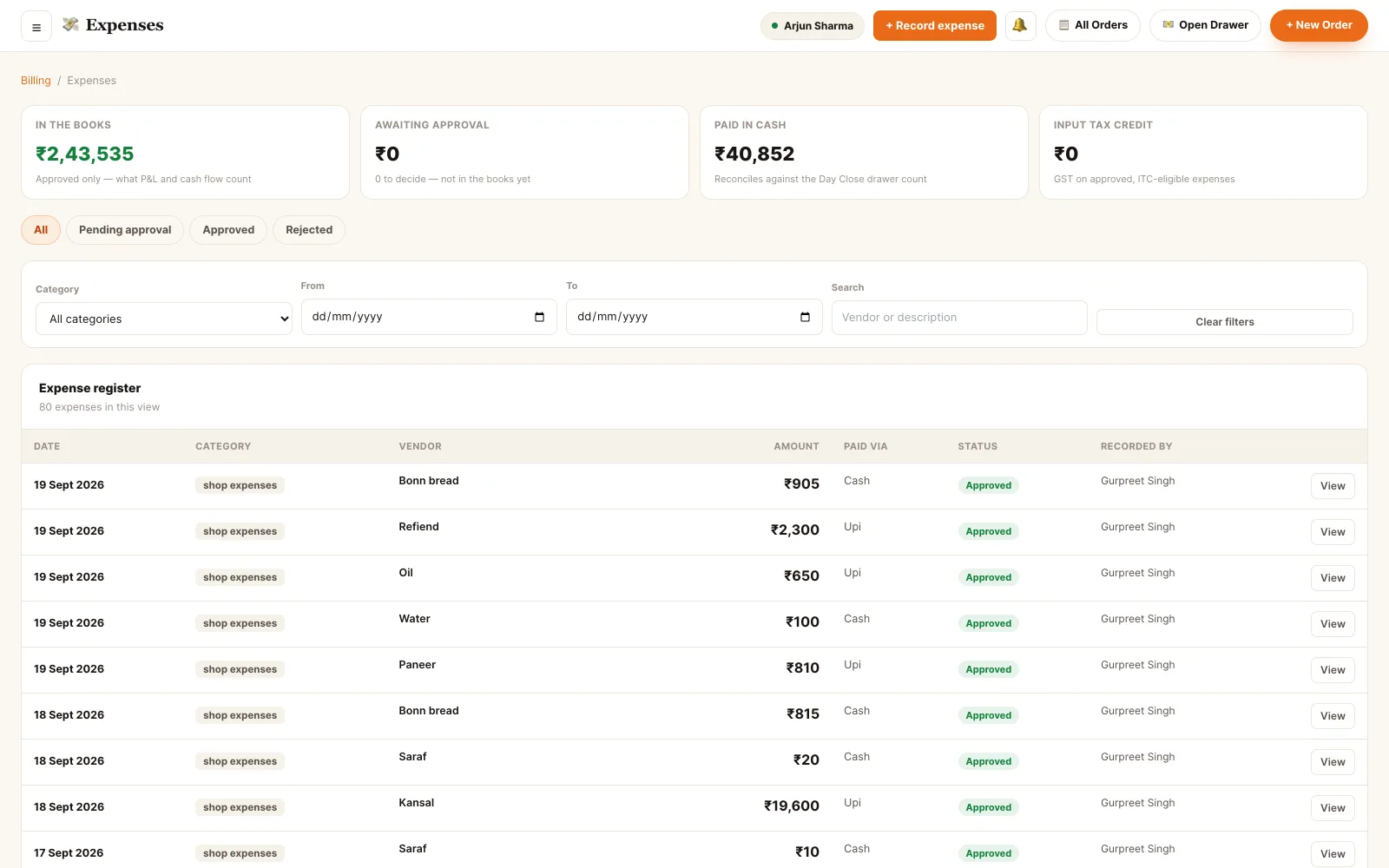
Back office · expense register
Log the spend while it is still true.
Record against a category
Rent, electricity, gas, repairs, staff welfare — your own list, in your own order. The platform seeds none.
Attach the bill
A photo of the paper bill or the PDF from the utility, kept with the entry instead of in a drawer.
Schedule what repeats
Rent, broadband and the electricity bill come every month — a template reminds you, and pre-fills the form.
Point it at a supplier
Pick a supplier from the directory when you also raise purchase orders against them, or type a one-off vendor.
Approve before it counts
Anyone can record; only an owner or a manager approves. Nothing reaches the P&L until someone does.
See it in the numbers
Approved spend lands in the P&L, cash flow and the category breakdown — and cash spend in the Day Close.
The bills that come every month.
Rent on the first, electricity on the fifth, broadband on the twentieth. A recurring bill is a reminder with the vendor, the category and the last amount already in it — never an automatic payment.
- Monthly, quarterly or yearly, on a chosen day
- Reminder the same day, three days before, or a week before
- Nothing books money on its own — you confirm the real figure off the real bill
- Recording pre-fills the form with the vendor, category and last amount
- Pause a bill for a season without deleting its history
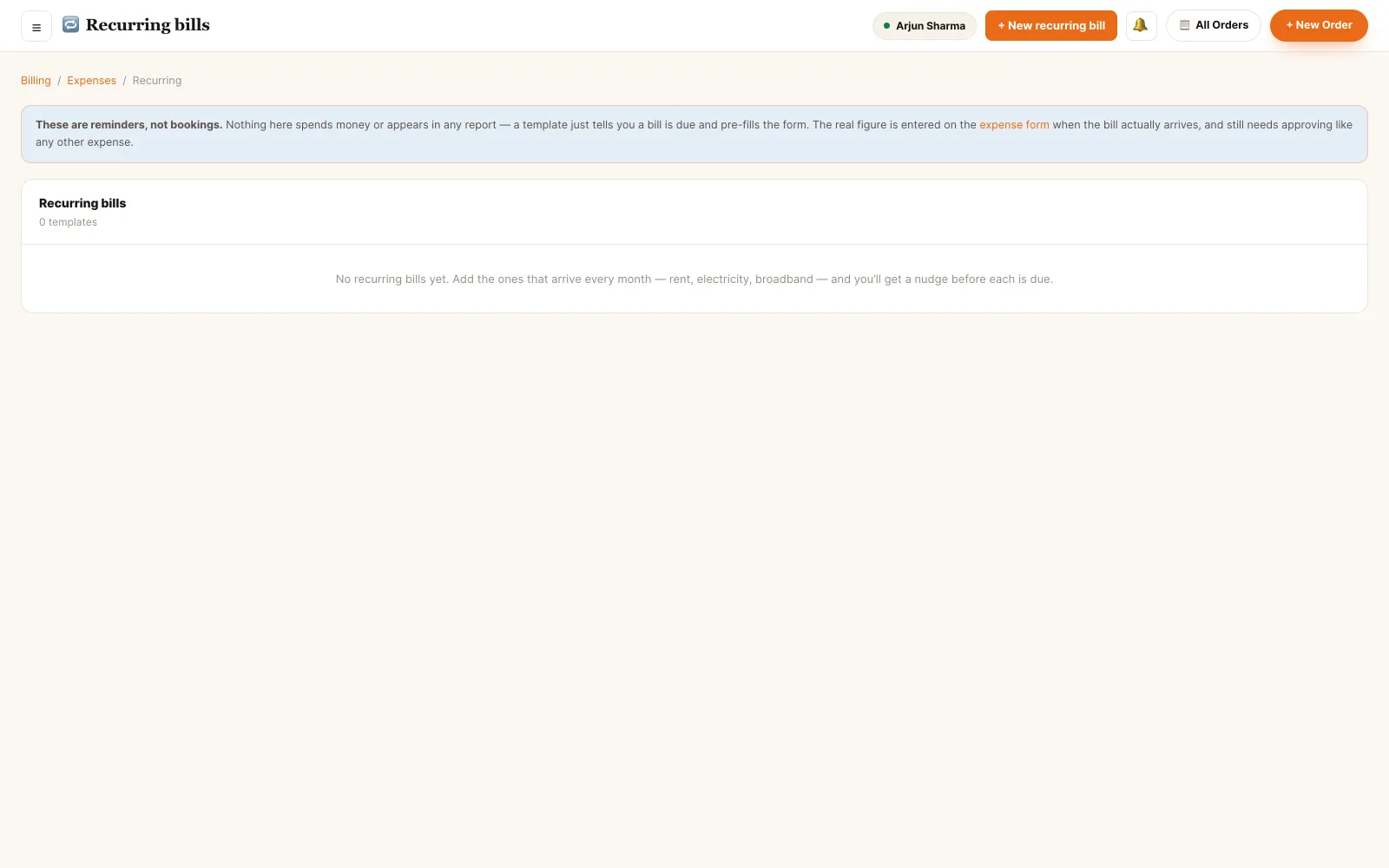
Back office · recurring bills
Recorded is not the same as approved.
A chef who bought a gas cylinder should be able to log it without being able to sign it off. So recording and approving are separate permissions, and an unapproved entry sits in the register without touching a single report.
- Anyone with record rights logs the spend; only an owner or manager approves it
- Until approved it stays out of P&L, cash flow and the input tax credit register
- Cash expenses are deducted on the Day Close report so the drawer count reconciles
- Claim input tax credit with the GST amount and the vendor's GSTIN on the entry
- Every entry carries who recorded it, who approved it and when
- Back-dating into a finalised day is allowed, but you are warned that the report will move
One spend, four states
Where a spend ends up.
Recording and approving are different rights.
- Owner Record, approve, and shape the module. Create and reorder the categories, set up recurring bills, and sign off what the restaurant has spent.
- Manager The same, day to day. Records and approves, manages categories and keeps the recurring bills current.
- Supervisor Records, does not approve. Sees the register and logs what was spent on shift; the sign-off stays with the owner or manager.
- Cashier Records the counter's cash. The counter runs unsupervised on most shifts, so a cashier can log the cash that left the drawer — deliberately without the right to approve it, which keeps it out of the P&L until someone senior looks.
Permissions are atomic and checked on every endpoint. A role is a named bundle of them, not a rank — a staff member can hold several bundles at once and their access is the union.
See it running on your menu.
We set the restaurant up with you — menu, tables, staff and printers — rather than handing over a login and wishing you luck.