Staff
Who is rostered — and who actually turned up.
Build the week's roster in advance, then let the floor clock in against it. Hours worked are recorded once per person per day, and payroll reads them rather than asking you again.
One record per person per day·late and early flagged·leave in the same view·hours feed payroll
The week, on one grid.
Staff down the side, Monday to Sunday across. Each cell is a shift with a start and an end time — overnight shifts are simply an end time earlier than the start.
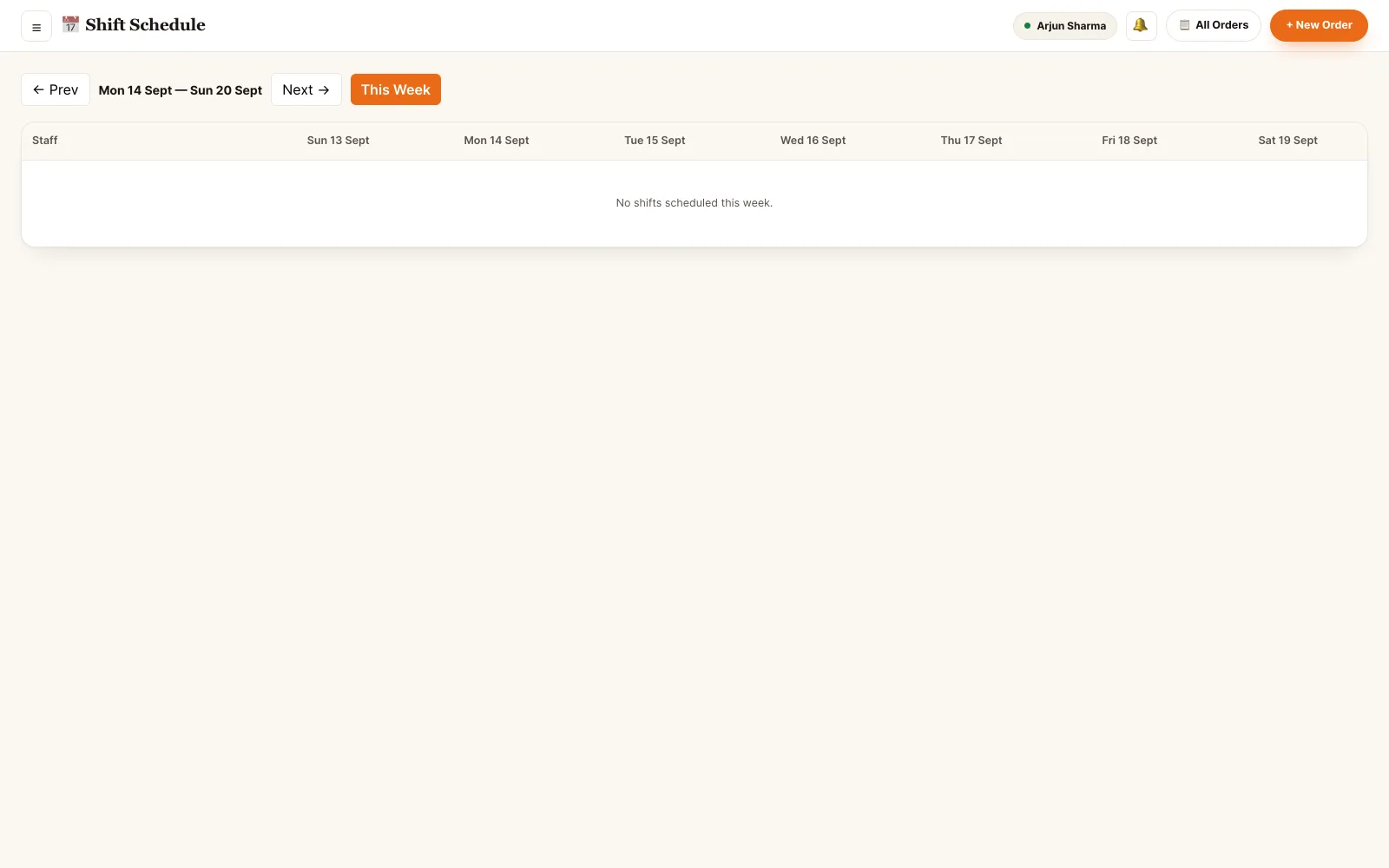
Back office · shift roster
Plan the week, then record it.
Two things are tracked, and they are deliberately separate: the shift somebody was scheduled for, and the hours they actually worked.
Build the roster
Give a person a date, a start time and an end time. Add a note on the shift — "cover for Ravi", "open shift".
Clock in, clock out
One attendance record per person per day, enforced by the database. Hours are computed on clock-out and stored.
Late and early, flagged
Present, late, absent or half-day — plus early checkouts measured against the shift the person was rostered for.
Leave with a type
Casual, sick, unpaid, privilege, maternity or paternity. Pending until a manager approves or rejects it.
Manual entry, with a reason
A manager can add or correct a record. The reason, their name and the timestamp stay on the row.
Hours feed payroll
A pay period sums the attendance hours for each person, so a payroll run is a read of this data, not a re-entry of it.
The roster is a plan. This is what happened.
Staff mark themselves present from a prompt when they sign in, and the register fills in as the day runs. A manager sees who is on the floor right now, who came in late and who left before their shift ended.
- One attendance record per person per day — a database constraint, not a convention
- Clock-in and clock-out timestamps, with hours computed on clock-out
- Status of present, late, absent or half-day
- Early checkouts shown against the rostered end time, with the reason given
- Day, week and month views, with a weekly grid of P / L / A / leave
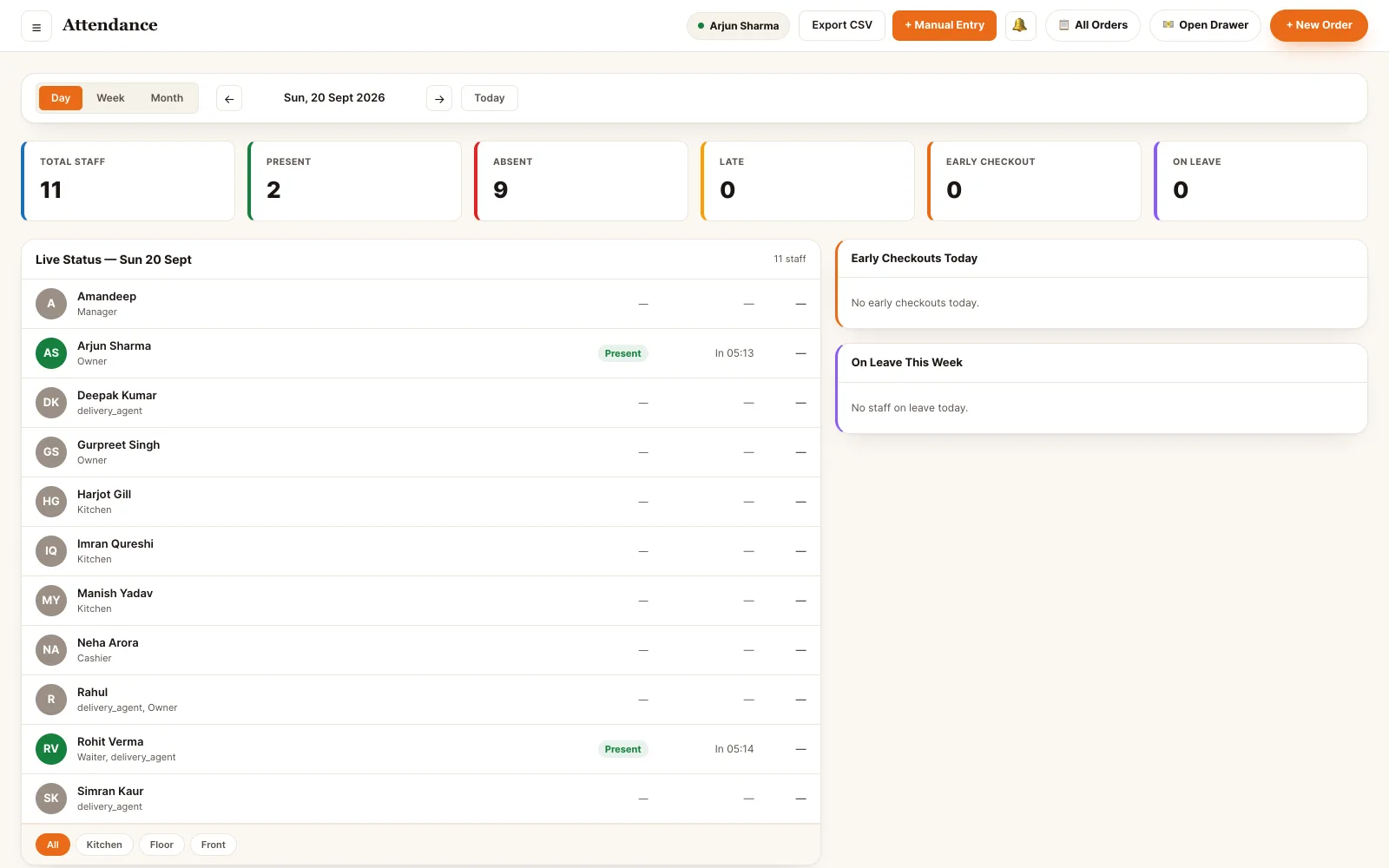
Back office · attendance register
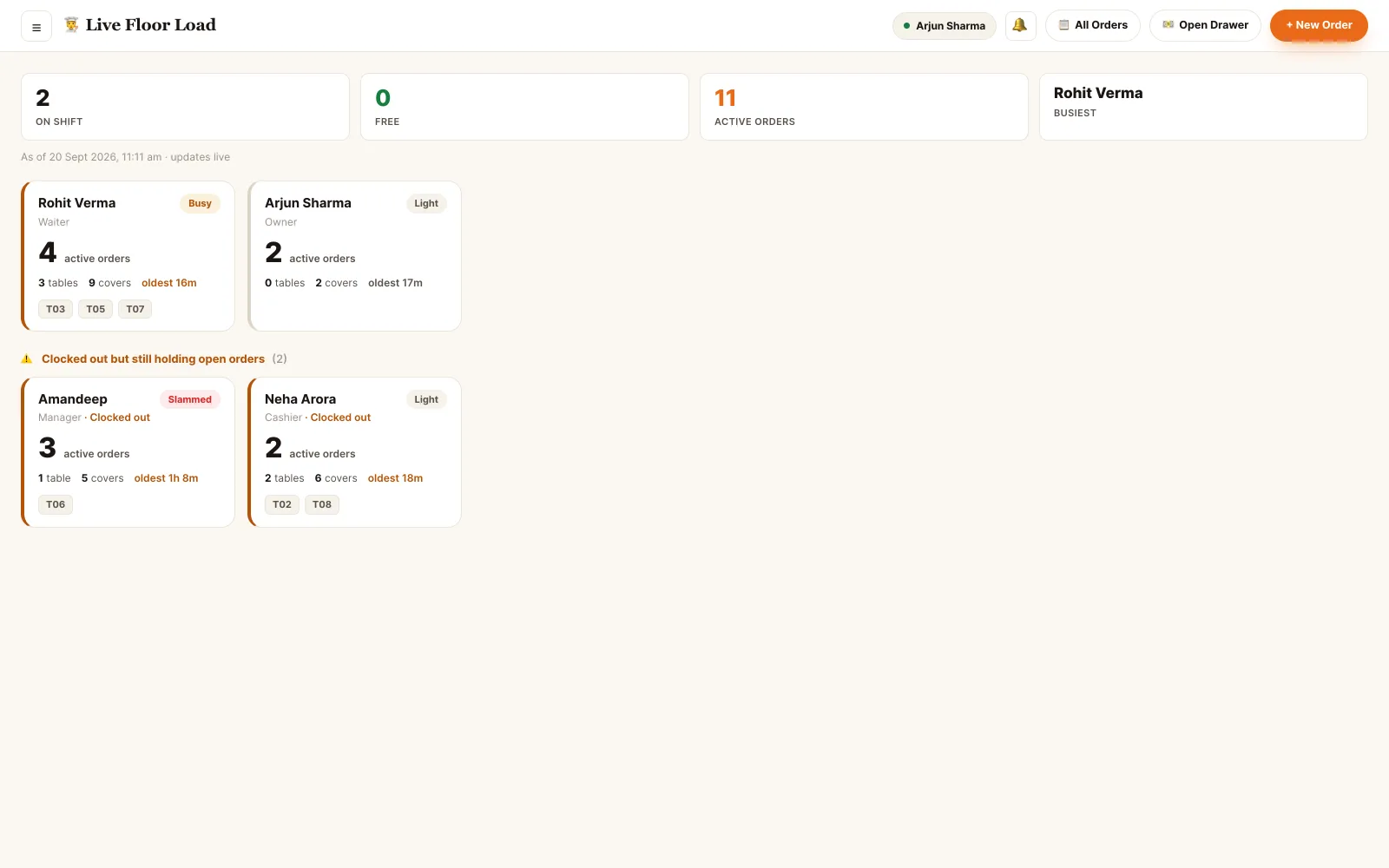
Back office · leave requests
Leave the roster knows about.
A leave request is a row with a type, a date range and a state — not a note in a WhatsApp group. Once approved it shows on the week grid and tags the absence, so nobody is marked absent for a day that was agreed.
- Six types: casual, sick, unpaid, privilege, maternity, paternity
- Pending until approved, rejected or withdrawn — each state is kept
- Days are counted on the request, so a half day is half a day
- The approver's name, their notes and the time of the decision stay on the record
- Rejected and cancelled requests remain in the history rather than disappearing
Hours only get typed once.
Attendance sits between the staff record and the payout — everything downstream reads it instead of asking again.
Who can open this module.
Rosters and the attendance register are gated on staff.hire_fire. Marking yourself present is not — every signed-in staff member can do that for their own record.
- Owner The whole register. Creates and edits shifts, corrects any attendance record, approves or rejects leave for anyone.
- Manager Runs the rota. Builds the week, makes manual entries and corrections, and decides on leave requests.
- Supervisor Shift lead. Same roster and attendance access — the usual person fixing a missed clock-out while the floor is still busy.
- Every other bundle Marks itself present. Cashiers, waiters, kitchen, host, storekeeper and delivery agents answer the sign-in prompt for their own day; they cannot see or edit anyone else's.
Permissions are atomic and checked on every endpoint — the roster read is gated separately from the write, so a bundle can look at the week without being able to change it. A role is a bundle, not a rank.
See it running on your menu.
We set the restaurant up with you — menu, tables, staff and printers — rather than handing over a login and wishing you luck.