Core · QR self-order
The ordering terminal is already in their hand.
A guest scans the code on the table and gets the menu your counter is running — same items, same prices, same add-ons. They order from their seat, the kitchen gets it, and the bill is the restaurant's, not a marketplace's.
No app install·one code per table·dine-in locked to that table·live status
What the guest at table 7 actually sees.
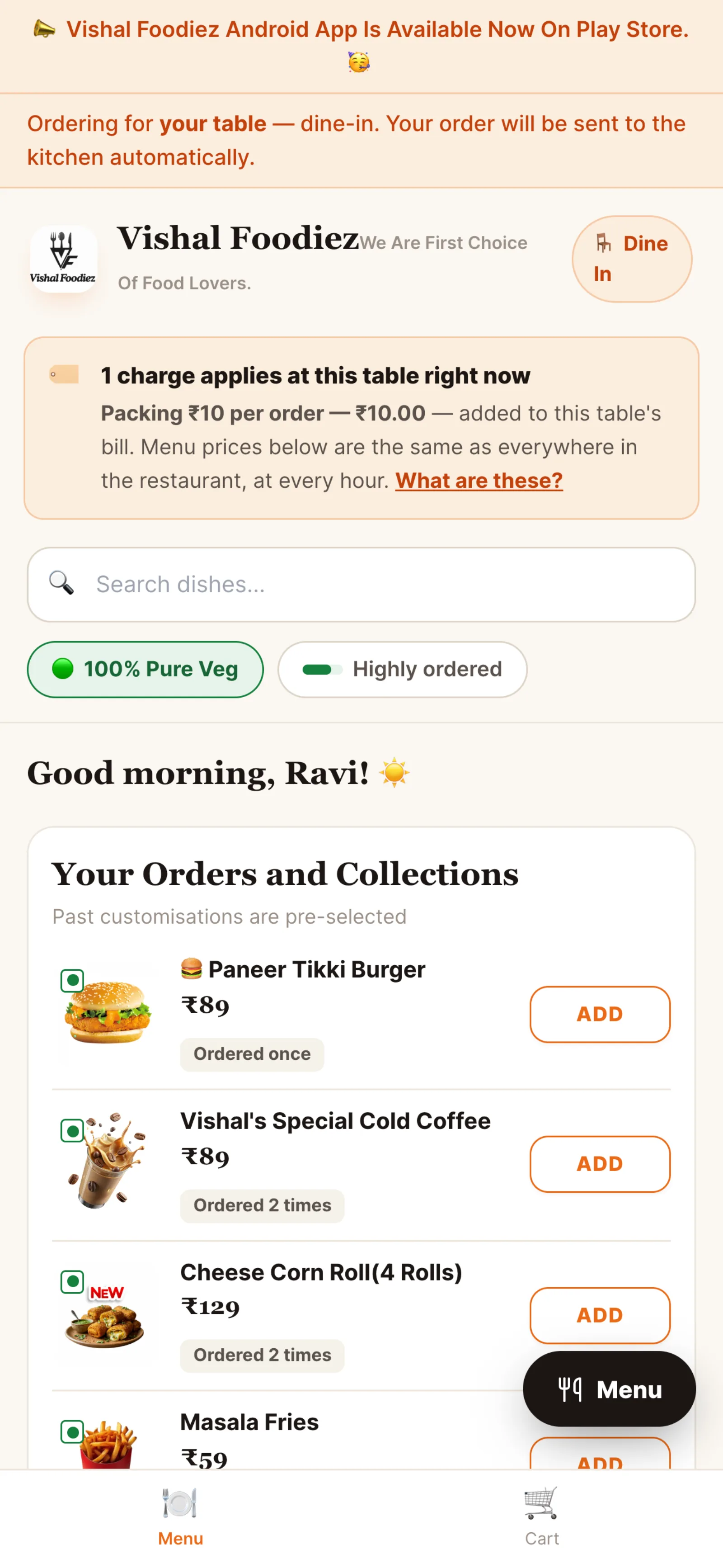
A web page, opened by the camera. Categories, a veg filter, a search box, and every item with the photo, description and price the back office set — because it is the same menu record.
Choose a portion
- Half plate₹280
- Full plate₹460
Add-ons
Pick any- Extra gravy+₹60
- Butter Naan+₹45
- Garlic Naan+₹55
Anything for the kitchen?
Diner · table QR menu and item detail
Self-ordering that still runs through you.
The guest gets convenience. The restaurant keeps the menu, the acceptance step, the bill and the customer.
Scan, don't install
The code opens a web page in the phone's own browser. Nothing to download, no account to create before a guest can read the menu.
The same menu the counter runs
Items, prices, photos and availability come from the one menu record. Mark a dish unavailable and it stops being orderable everywhere at once.
Portions, add-ons and notes
Half or full, extra gravy, "kam mirch" — the same option groups and note fields the kitchen already sees on its ticket.
Staff keep the gate
A QR order is a real order in the queue. Where the restaurant takes payment upfront, an unpaid one waits in the counter's approval list instead of firing to the kitchen.
Live status on their phone
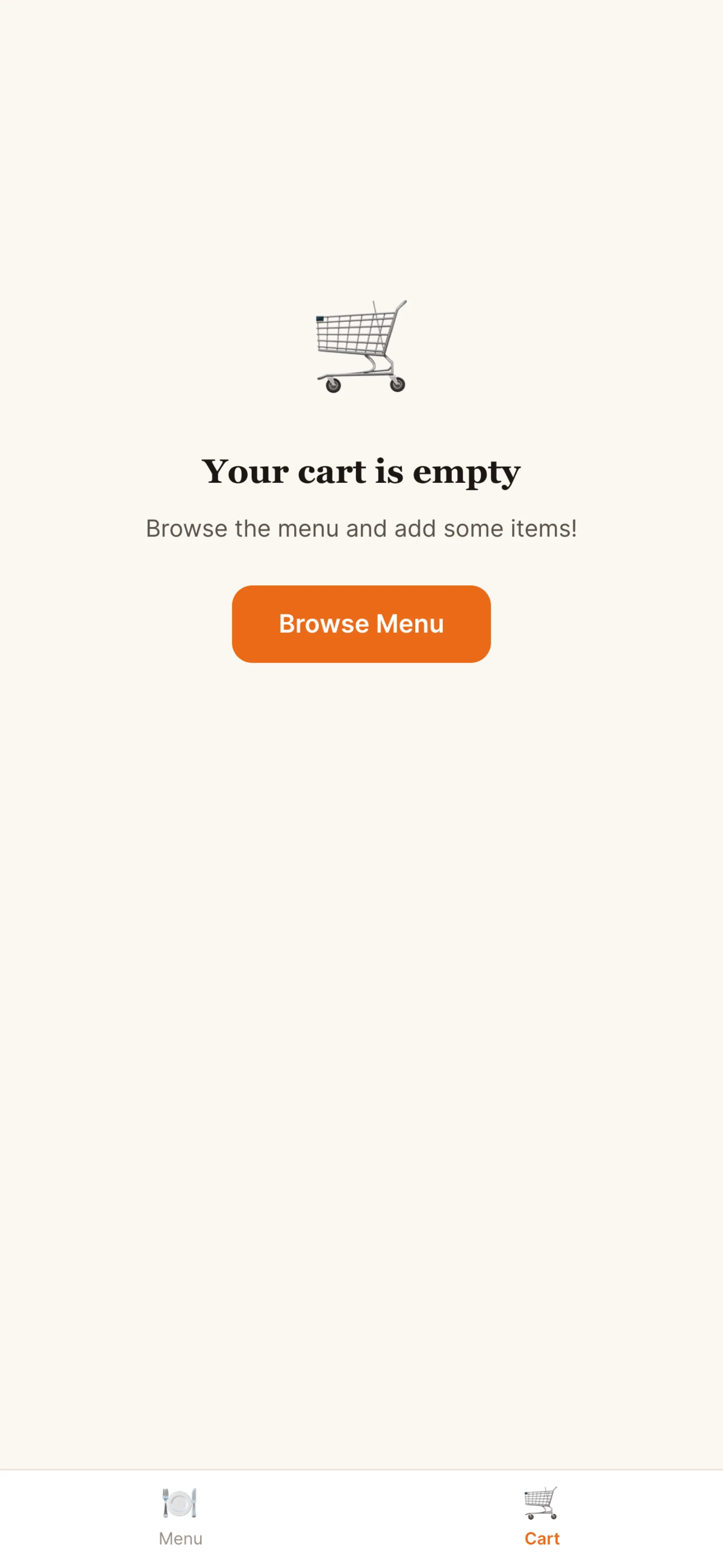
Placed, accepted, preparing, ready, served — the guest follows the order instead of catching a waiter's eye to ask.
Pay now, or pay at the counter
UPI from the phone, or settle at the till like any other dine-in bill. Either way it is one order, one bill, one GST invoice.
Placing it is the easy half. Accepting it is the point.
A scan from a seat can only become a dine-in order for that seat. What happens next is the restaurant's rule, not the guest's.
- The cart shows line items, GST on the taxable value and the total that will actually be charged
- A table-QR order is locked to dine-in for that table — no takeaway or delivery from a seat
- Under pay-upfront, an unpaid order holds in the counter's approval queue rather than reaching the kitchen
- Once accepted, the ticket is pushed to the kitchen screen over a WebSocket
- A second round joins the same order and the same bill, and goes back through acceptance before it cooks
Progress
- 7:41Done
- 7:42Done
- 7:44Now
- —Waiting
- —Waiting
Diner · cart and live tracking
One code per table, printed once.
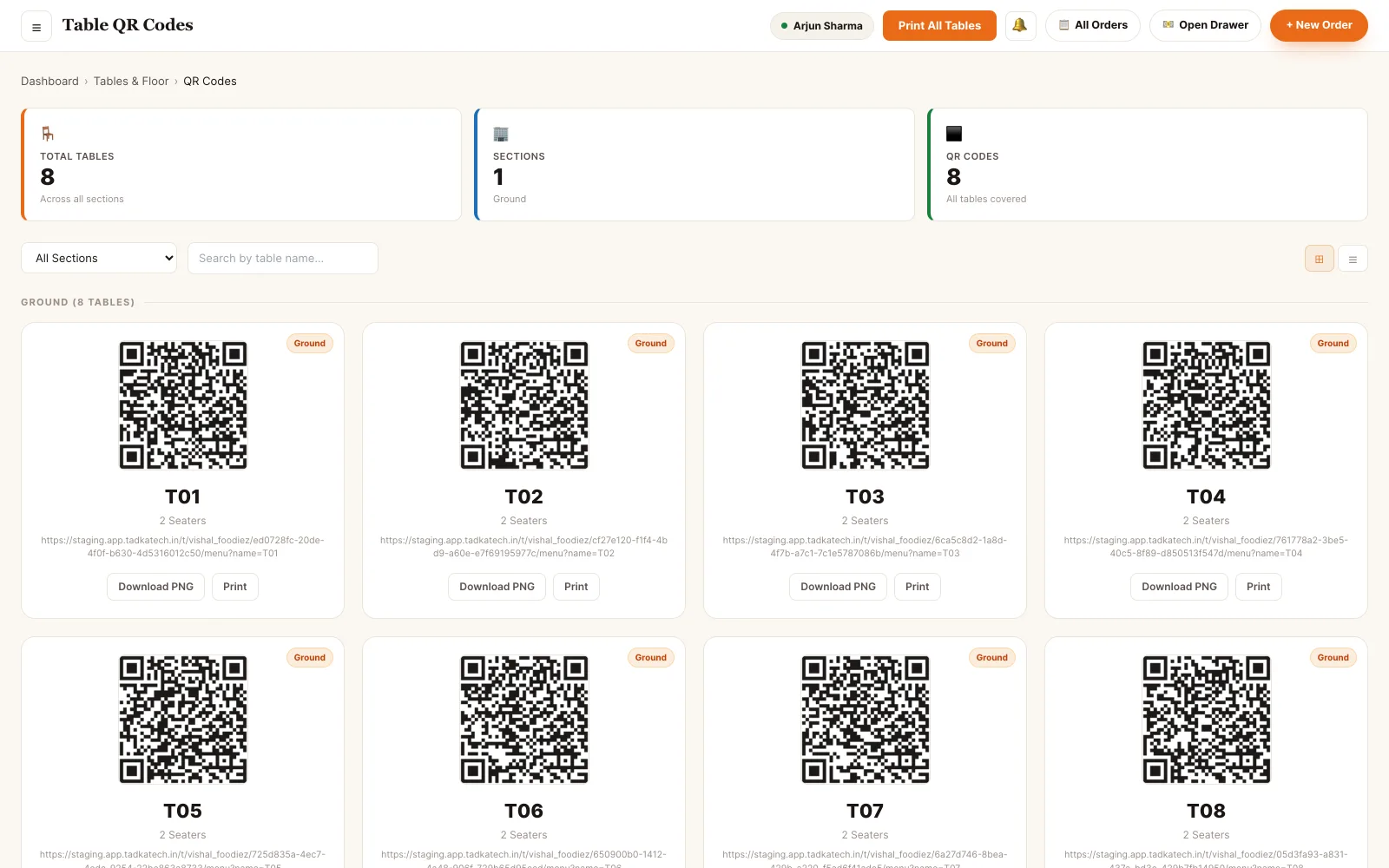
The codes are generated in the back office from your actual floor plan, grouped by section, and printed as cards. Because the code carries the table, the kitchen ticket and the bill already know where the food is going.
- A code per table, grouped by floor or section — Ground, First, Terrace
- Print the whole floor in one pass, or reprint a single card after a spill
- Download every code as a ZIP to hand to a printer or a designer
- Grid or list view, filtered by section, searchable by table name
- Cards printed under the older link format still resolve — you don't reprint the floor to change the scheme
Back office · table QR codes
A scan is just another way in.
Nothing downstream treats a QR order differently. It is the same order row, on the same board, against the same table.
Nobody signs in to eat.
The diner has no account and no role. Every staff action on a QR order is the ordinary, permission-checked one.
- Diner No login at all. Scans the table code, browses, orders and tracks. The order is claimed to that browser by a tracking token, so only the guest who placed it can see or add to it.
- Cashier Accepts and settles. Works the approval queue when an order is held for payment, collects at the counter, and closes the bill.
- Waiter Serves and adds. Sees the QR order on their own floor view, is told the moment the kitchen marks it ready, and can add to it from the waiter app.
- Kitchen Cooks it. The ticket looks like every other ticket — items, portions, order-level and item-level notes.
- Supervisor Runs the floor. Approves held orders, reassigns tables, and handles the exceptions the counter can't.
- Manager · Owner Configures it. Generates and prints the codes, decides whether payment is taken upfront, and switches the channel on or off per outlet.
Permissions are atomic and checked per endpoint. A role is a bundle of them, not a rank — staff hold several at once and their effective access is the union.
See it running on your menu.
We set the restaurant up with you — menu, tables, staff and printers — rather than handing over a login and wishing you luck.