Core · Inventory
Stock leaves the shelf when the order does.
A dish has a recipe and the recipe has ingredients. The moment an order is confirmed, those ingredients come out of stock — so the number on the screen is a consequence of the day's trade, not something somebody remembered to update.
Recipe-level deduction·PO to GRN·wastage with reason codes·stock-take variance
Every ingredient, against the level you set for it.
In stock, minimum level, and whether it is fine, close or already short — with the ones that raise their own draft purchase order marked as such.
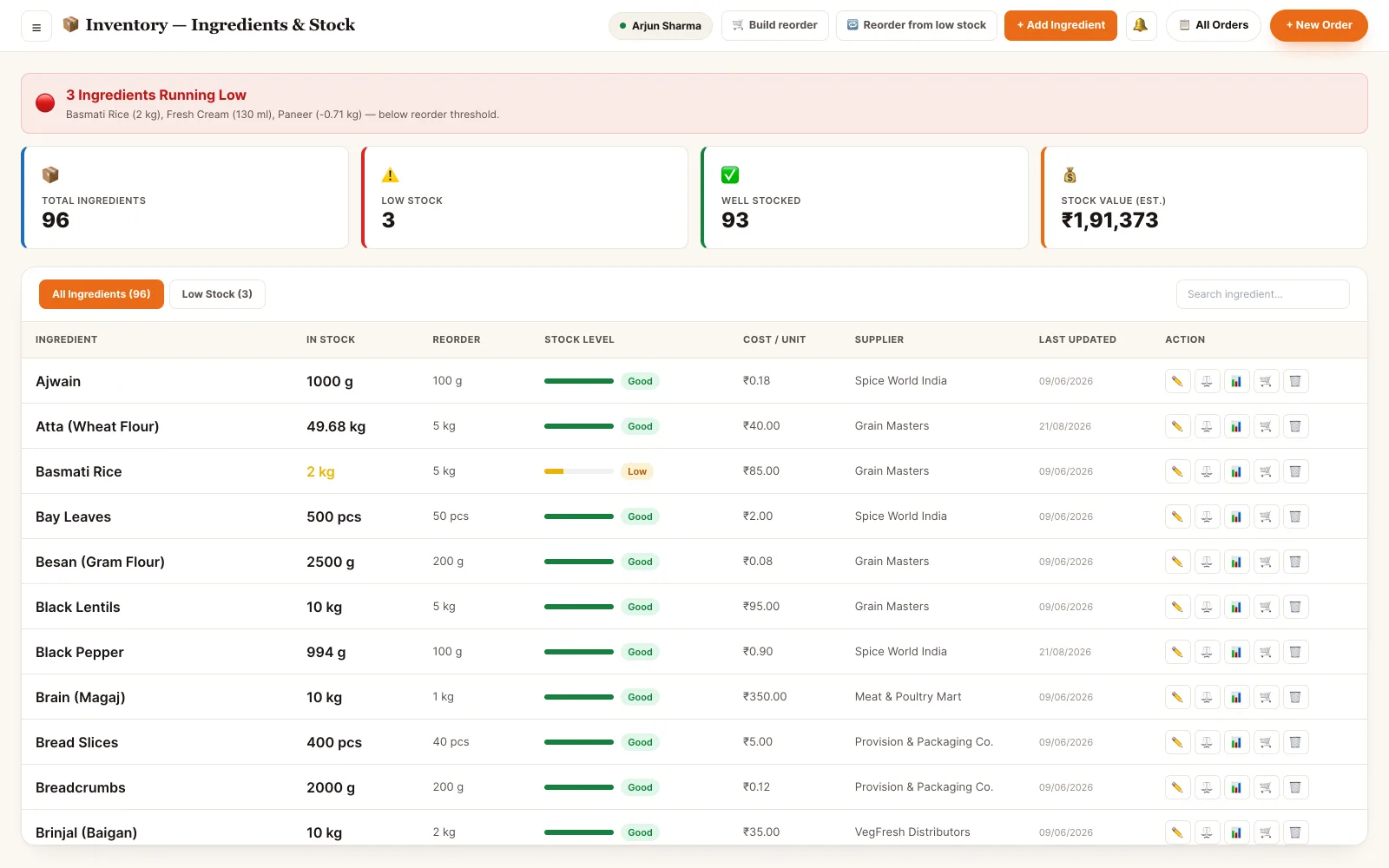
Back office · ingredients and stock
The whole loop, not just a list.
Buying, receiving, cooking, wasting and counting are the five things that move stock. All five are in here, and each one leaves a movement record.
Deduct from the recipe
Link a dish to its ingredients once. Confirming an order draws each one down by the quantity the recipe says — no end-of-day reconciliation.
Raise a purchase order
A PO per supplier with the item, quantity and their rate on the line, an expected date, and an approval step before it is sent.
Receive against the PO
A goods-received note records what actually turned up: quantity received against quantity ordered, batch and expiry, and a QC pass or fail per line.
Reorder levels that act
Set a minimum per ingredient. Marked items raise a draft PO against their preferred supplier when they fall under it; the rest just alert.
Log wastage honestly
Spoilage, over-prep, breakage or expiry — with the quantity, the reason code, who recorded it and what it cost.
Count the shelf
A stock-take session compares the counted figure against what the system expected, shows the variance and its cost, and commits an adjustment per line.
A purchase order the delivery has to answer to.
Stock does not go up because a box arrived. It goes up because a goods-received note was written against a specific purchase order, line by line.
- One PO per supplier, with each ingredient at that supplier's own rate and lead time
- An approval step between drafting and sending, so a PO can't leave unseen
- The GRN records received quantity against ordered quantity — a short delivery stays visible as a short delivery
- Batch and expiry captured on receipt, with a QC pass or fail per line
- Only the accepted quantity is added to stock, and the value lands against the supplier's spend
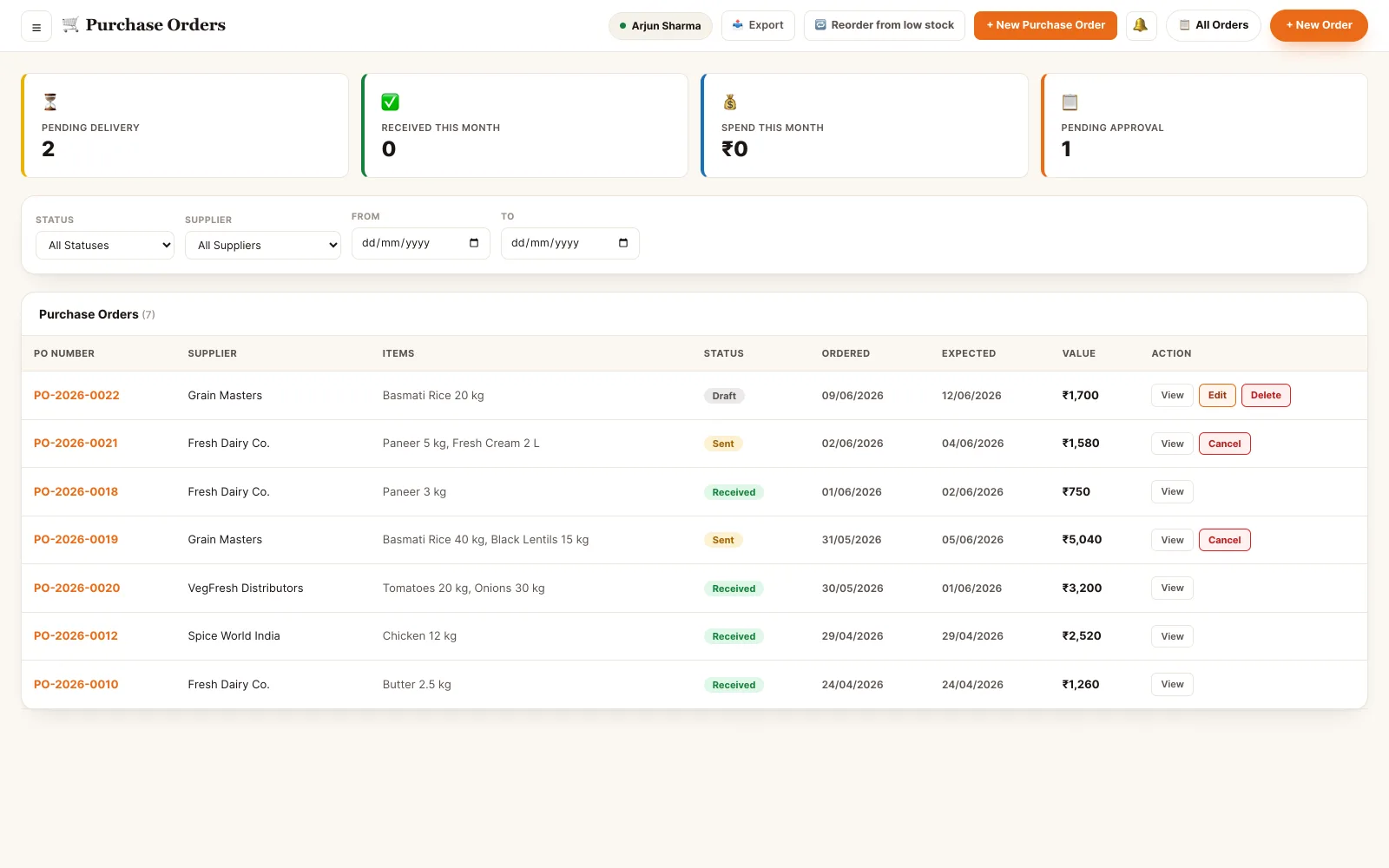
Back office · purchase orders and goods received
The count is only useful next to the expectation.
A stock take shows what the system thought was on the shelf beside what someone actually found, in the same row, with the money attached.
- A session with a defined scope, so a count can be partial and still be finished later
- Expected against counted per ingredient, with the variance as a quantity and a percentage
- Cost impact per line and a net figure for the session
- A note per line, so a 10% shortfall can say "trim loss" instead of nothing
- Committing writes one stock movement per adjustment — the count is auditable afterwards
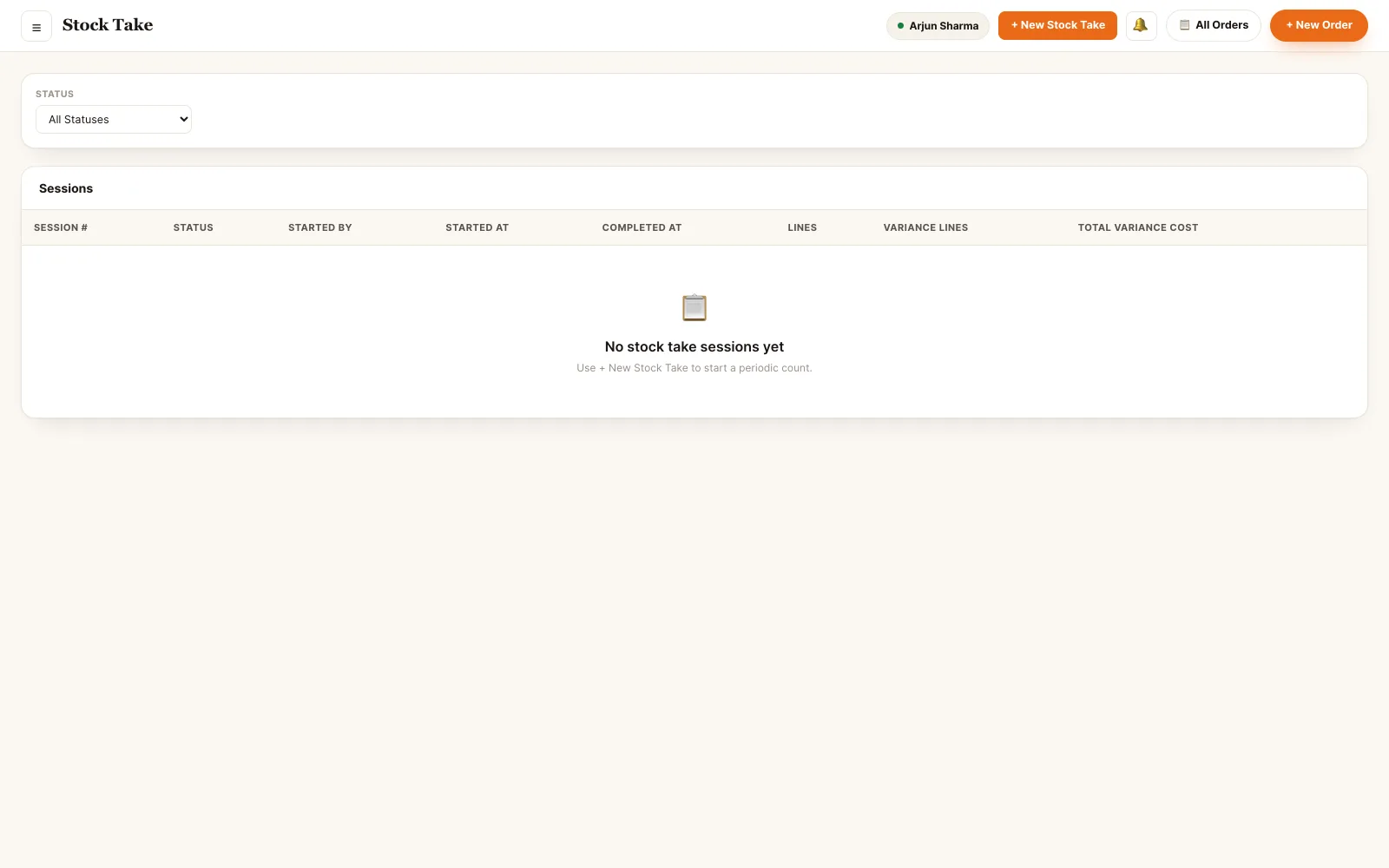
Back office · stock take and variance
Stock is downstream of nearly everything.
It is fed by what you buy and drained by what you sell, and both ends are already in the system.
Who can move the stock.
Counting, receiving and approving are separate abilities, so the person who orders need not be the person who signs for it.
- Owner Everything, including the money. Stock value, purchase approvals, supplier rates, wastage cost and the variance a stock take commits.
- Manager Runs the cycle. Raises and approves purchase orders, opens stock-take sessions, reviews wastage and adjusts reorder levels.
- Supervisor Day-to-day. Receives deliveries against a PO, records wastage with a reason, and counts during a session.
- Head chef Owns the recipe side. Sets what a dish consumes, logs kitchen wastage, and sees what is short before service rather than during it.
- Store keeper The stock room. Receives goods, writes the GRN, does the counting, and keeps batch and expiry straight — without access to billing or staff.
Permissions are atomic and checked per endpoint. A role is a bundle of them, not a rank — staff hold several at once and their effective access is the union.
See it running on your menu.
We set the restaurant up with you — menu, tables, staff and printers — rather than handing over a login and wishing you luck.