Cafe billing software · counter · kiosk · QR · customer display
Cafe billing software for the morning rush, when the queue reaches the door.
Tadka Tech is cafe billing software for cafés and quick-service counters in India. The till bills in a few taps, a self-order kiosk and table QR codes let guests order without queuing, a second screen shows each guest their bill as it is built, and a small badge tells even a new cashier which customers are regulars.
Where a cafe counter slows down — and what keeps it moving.
A cafe's day is short orders, fast, many times over. The trouble is never one big problem; it is the same small one, a hundred times before noon.
“Twelve people in the queue, and one person at the till.”
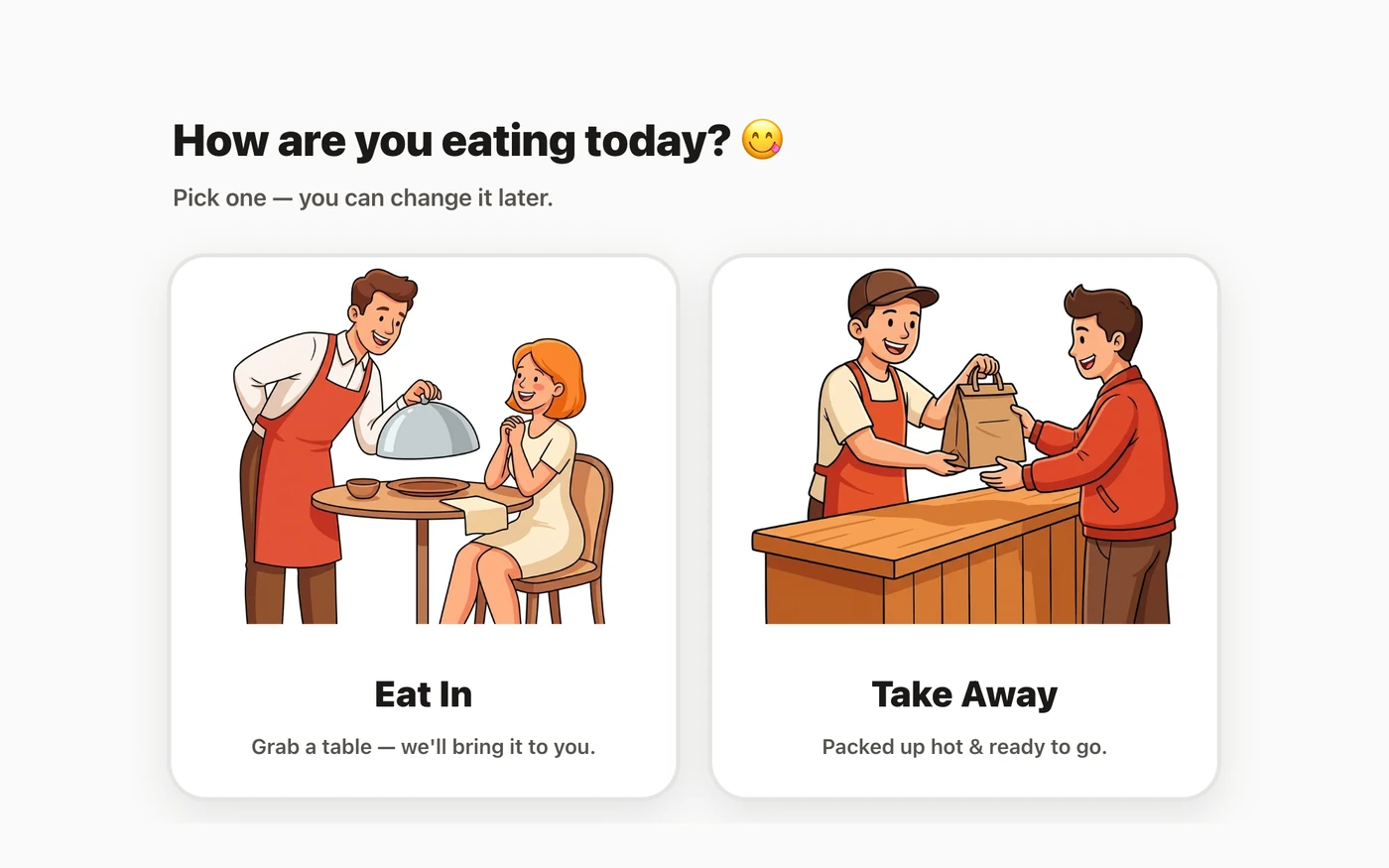
TadkaA kiosk asks the questions the cashier would: eat in or pack, make it a meal, which drink. As many kiosks as you have, that many guests order at once, and the cashier just collects.
Self-order kiosk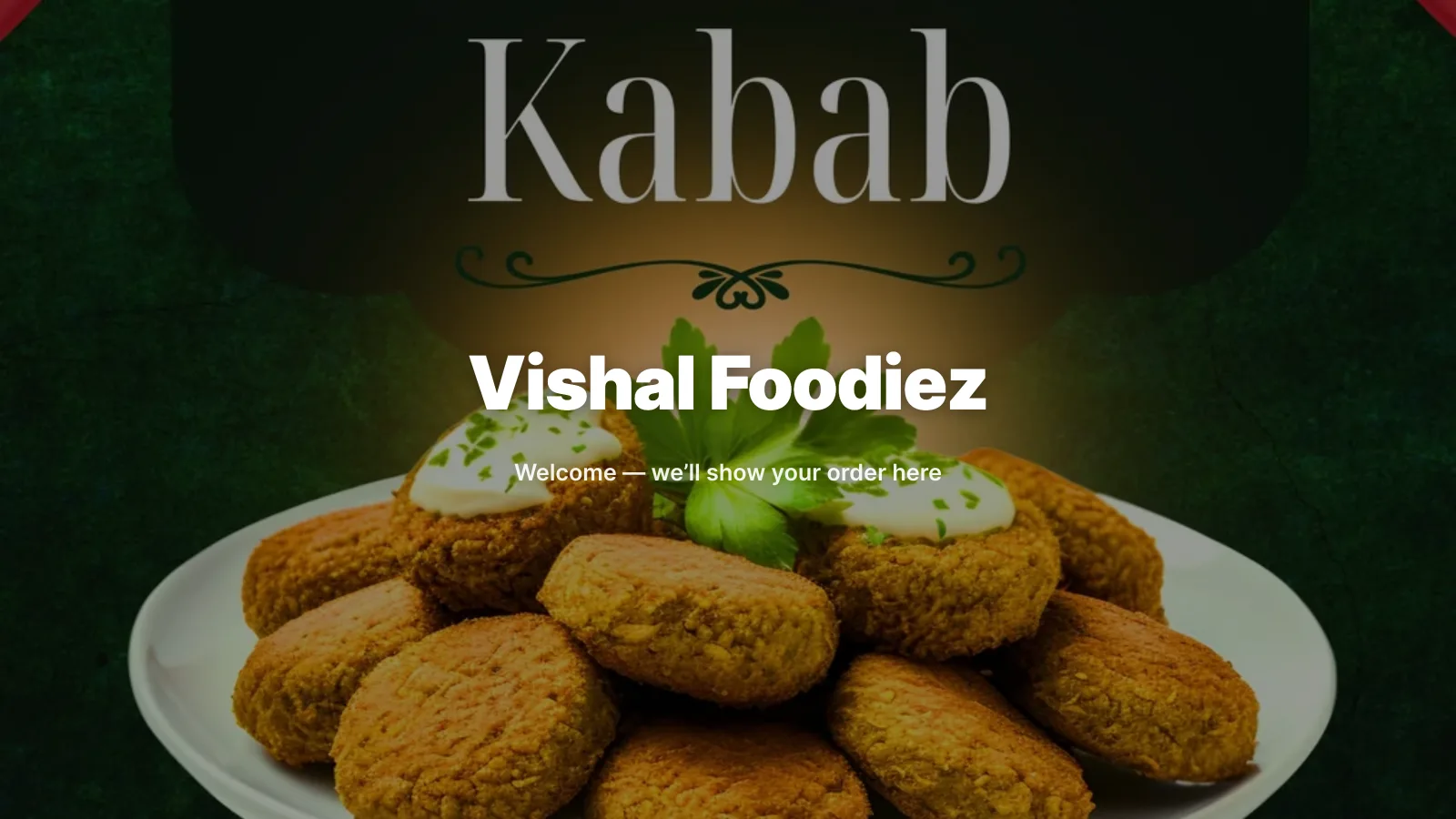
“Did you add the extra shot? Why is it ₹40 more?”
TadkaA second screen facing the guest shows each item the moment the cashier adds it, then the tax, the total, and the cash given and the change due.
Customer display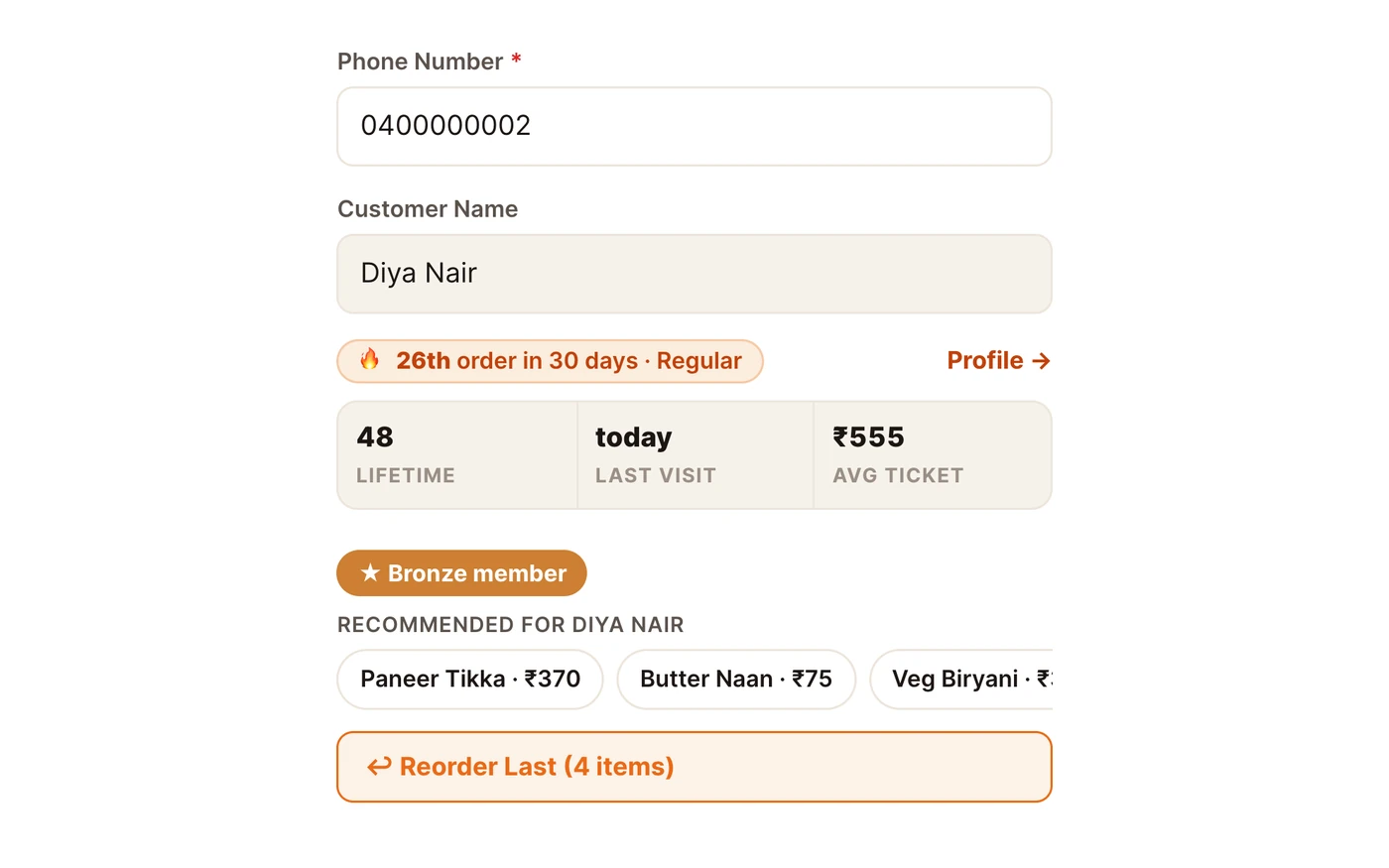
“She comes every morning. The new cashier asked for her name.”
TadkaType the number and a badge appears: “5th order in 30 days · Regular”, with lifetime orders, last visit and average bill.
Customers“The gateway is down and the kiosk keeps asking for UPI.”
TadkaSwitch Pay now (UPI) off in Settings. Every kiosk skips the payment choice, places the order as Pay at Counter, and keeps taking orders.
Self-order kiosk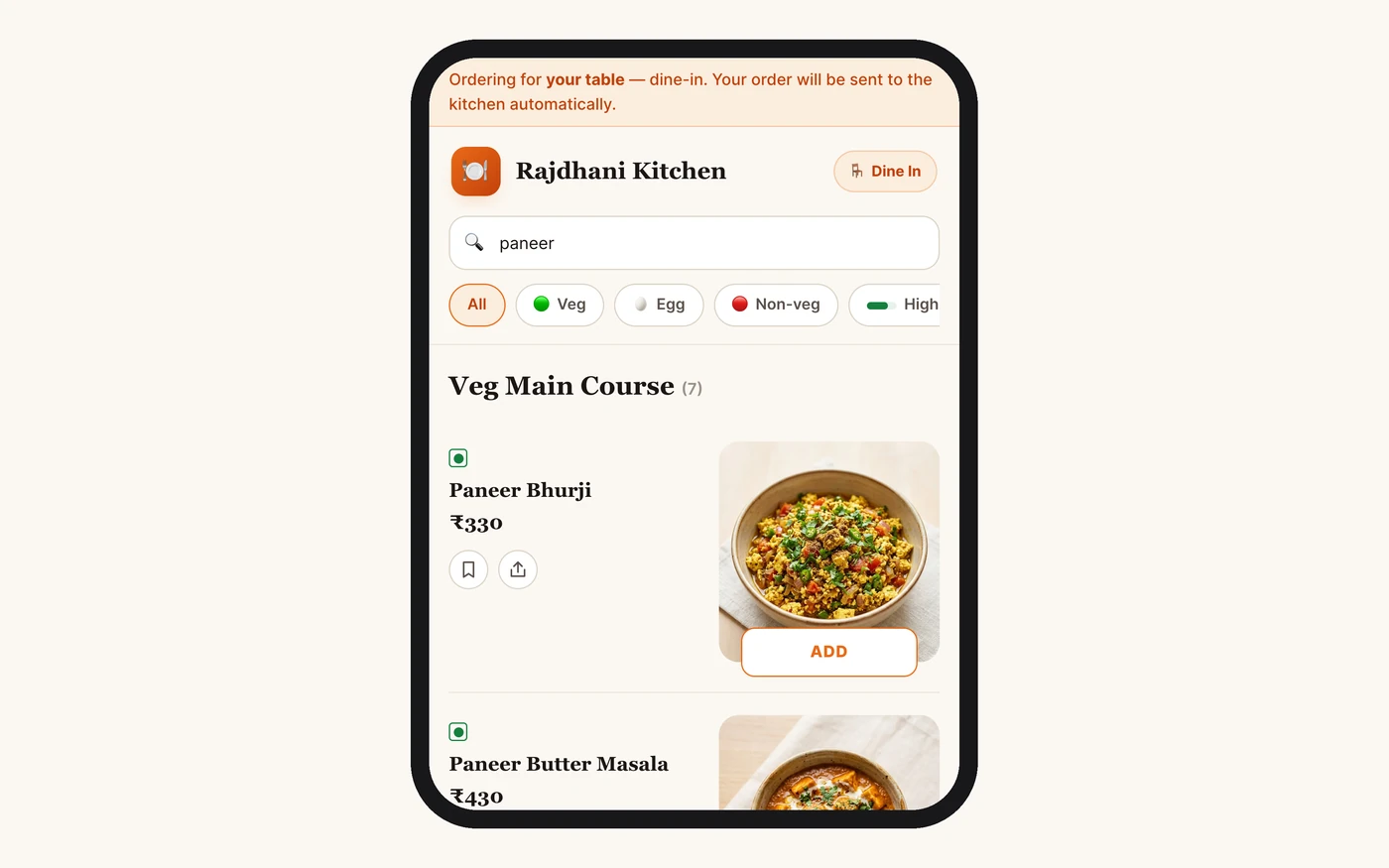
“The table by the window has been waiting to order for ten minutes.”
TadkaGuests scan the table's QR code and order from their own phone, for that table only, and can add more later without calling anyone.
QR code menu“Someone left a burger in the kiosk cart and walked away.”
TadkaAfter a minute with no touch the kiosk asks Still deciding?, and if nobody answers it returns to the welcome screen with an empty cart.
Self-order kioskWhen UPI goes down at rush hour, the kiosk keeps going.
Two minutes on one switch that saves a busy morning: choose UPI, pay at the counter, or both, for every kiosk at once.
Cafe billing at the counter, in fewer taps.
- Search by two or three letters, or by the first letter of each word
- Small, regular and large, each at its own price, asked before the drink goes into the cart
- Add-ons priced by size, because an extra shot in a large costs more than in a small
- Name-only tiles on a small counter tablet, big photo cards on a bigger screen, remembered per device
- Pick a payment method and one button places the order, prints the slip and collects
- Mark an item out of stock and it greys out at the counter and disappears from the kiosk and the QR menu
A kiosk that orders the way a good cashier would.
- Paired with a one-time 8-character code, not a staff password, so the screen can only take orders
- Your own words on it: “Pack” instead of “Take away”, and a tagline in Hindi, Punjabi or English
- A required choice picks the first option, so put the regular one first and nobody pays for a large by accident
- Pay-at-counter orders wait for the cashier; with UPI auto-confirm, a paid order goes straight to the kitchen
- Disable a kiosk from the back office and it takes no more orders until you pair it again
Self-ordering at the tables, and a reason to come back.
Each table gets its own QR code. A guest scans it with the phone camera, the menu opens already set to that table, and the order lands on the same kitchen screen as the counter's. For a crowded cafe where people come and go, set Payment timing to Pay upfront: nothing is made until the money is confirmed. For a slower sit-down cafe, After the meal sends the order to the kitchen at once.
The guest signs in once with a WhatsApp OTP at the cart. That number collects loyalty points and gets order updates on WhatsApp. A returning guest sees their past dishes at the top, and can use points or an offer code, one discount per order.
Behind it, loyalty runs on rules you set once: points as a share of the bill, a rupee value per point, tiers that promote themselves, and offers that can run on the QR menu, the kiosk and the counter differently.
Cafe billing software: questions cafe owners ask.
What is the best billing software for a cafe?
Is there a cafe billing app for an Android tablet?
Can customers order by themselves in my cafe?
Can the kiosk take only UPI, or only pay at the counter?
What happens on the kiosk if UPI stops working?
Can I see which customers are regulars?
Is there free cafe billing software?
More for a fast counter.
 2:32
2:32Know your regulars on every order
The badge on every order: new, 3rd in 30 days, Regular, or back after a gap.
Read moreQR code menu
Table QR ordering with no app, and what reaches the kitchen when.
Read moreRestaurant billing software
The full till: GST on every bill, cash, card and UPI on one bill, and the udhaar khata.
Read moreWhatsApp us a photo of your menu. Live in 48 hours.
We move your menu across free, set everything up and train your staff, and you get up to 6 months free. How many months are free depends on the plan you choose; after that, you pay that plan's regular price.